How It Works
EnergyLink · Wear. Connect. Charge.
Your everyday band.
Your charger, always with you.
EnergyLink brings a magnetic Apple Watch charger into a soft silicone band. Wear it throughout your day, then connect to USB-C power when it is time to recharge.
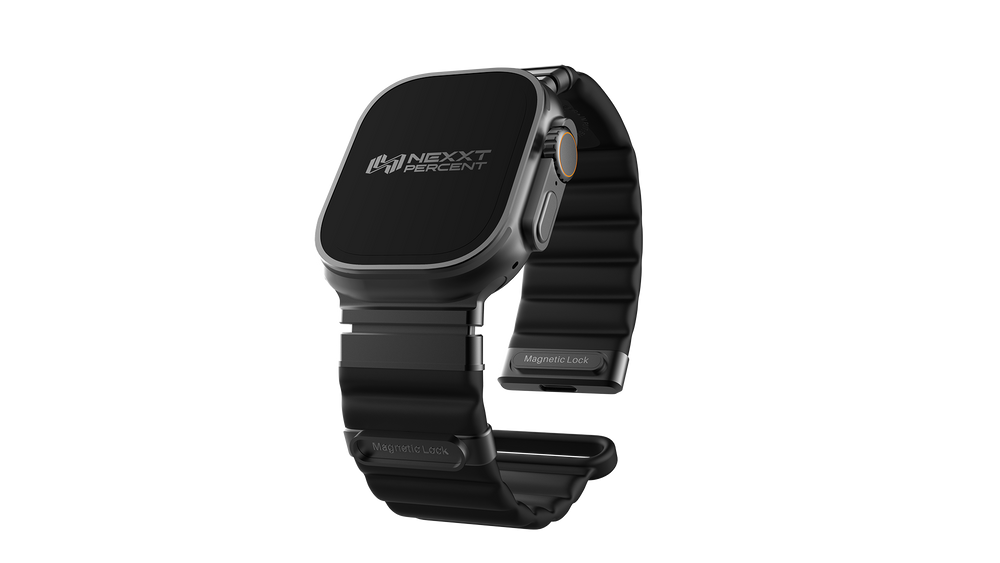
A charger, not a battery. EnergyLink needs an external USB-C power source and a compatible USB-C cable to charge your watch. It does not store power. Take your watch off your wrist before charging.
From daily wear to charging
Three simple steps.
One band. An integrated charger. A little less to pack.
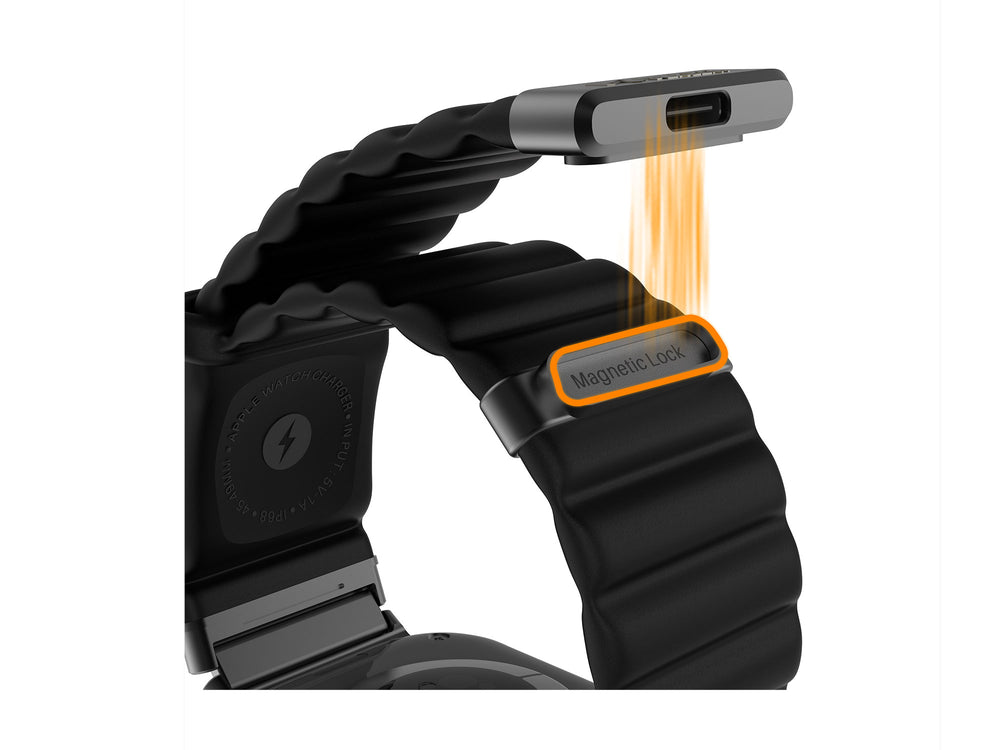
01 · TAKE OFF & POSITION
Take your watch off.
Release the magnetic clasp and take your watch off your wrist. Position the back of your Apple Watch against the charging module built into the band, so the charging surfaces sit together.
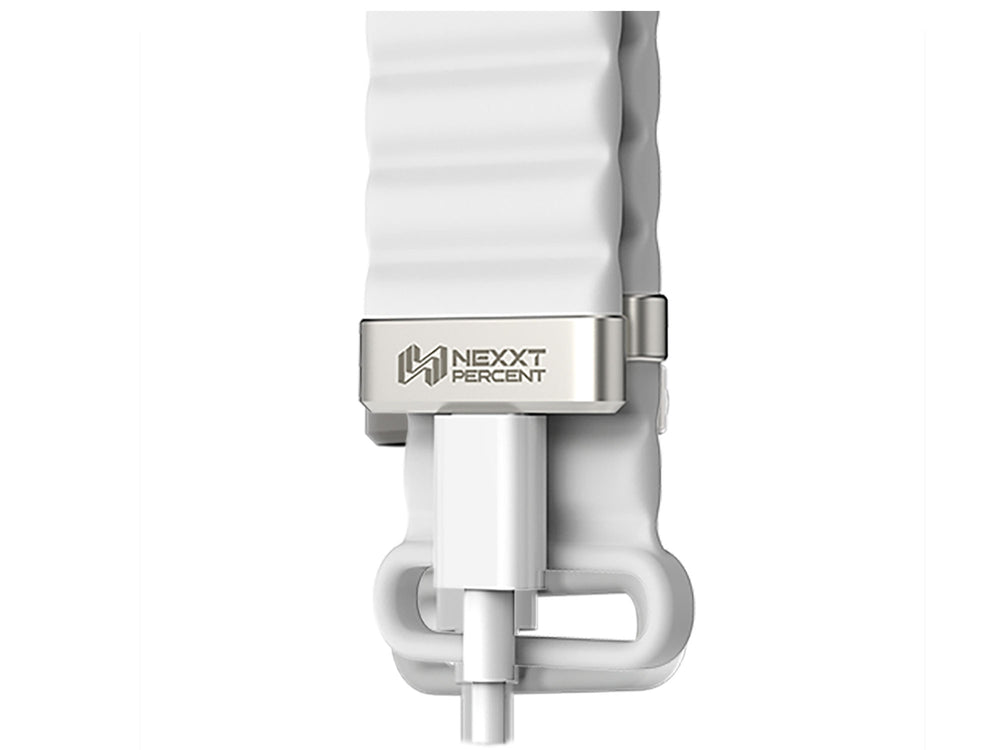
02 · CONNECT TO POWER
Plug in your USB-C cable.
Connect a compatible USB-C cable to the port on the band. Connect the other end to a compatible USB-C power source, such as a power bank, laptop, or wall adapter.
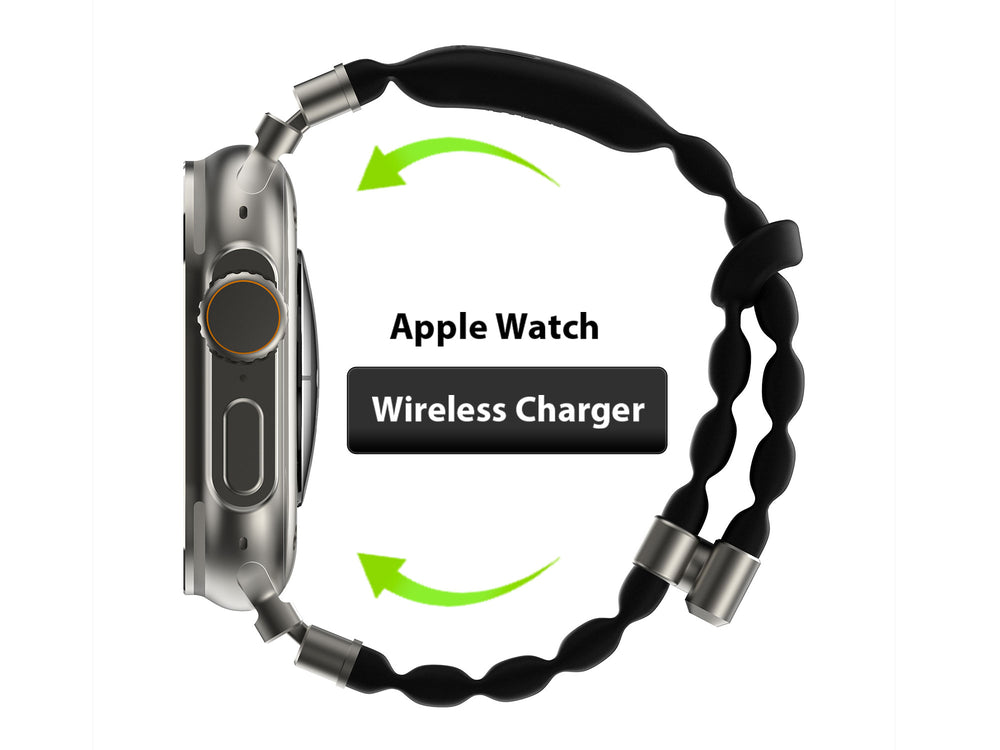
03 · CHECK & RECHARGE
Look for the charging indicator.
Check your Apple Watch screen to confirm charging has started. Keep the watch and charging module aligned while charging. When you are finished, disconnect the cable and return to everyday wear.
Black · White · Orange · Blue
Choose your color.
Same integrated charger. Your everyday style.
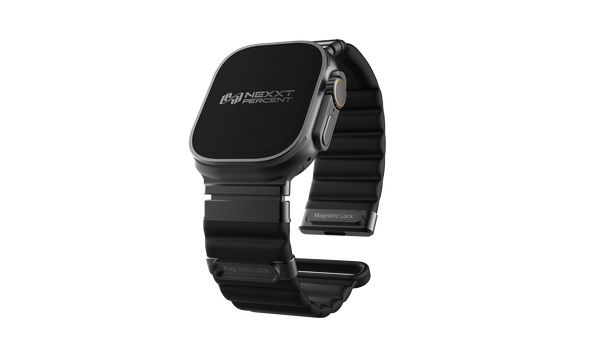
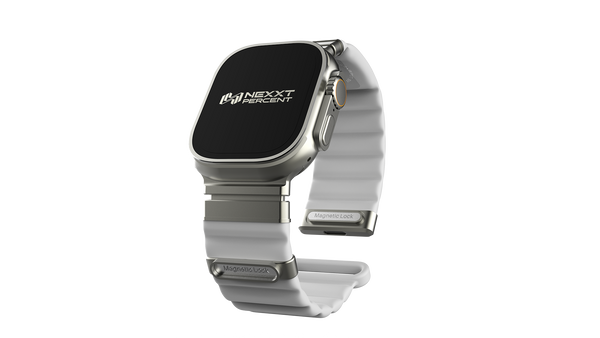
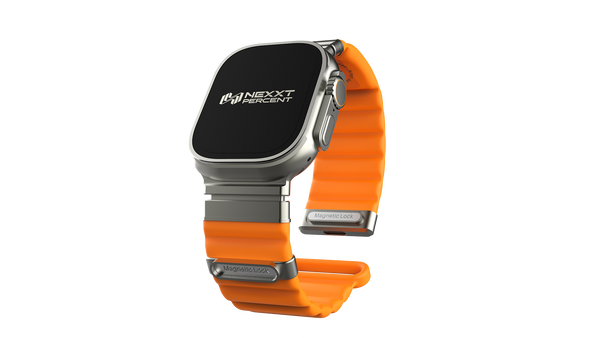
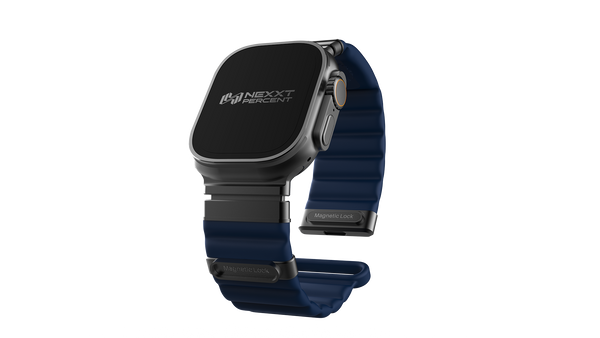
Select your Apple Watch case size and wrist size on the product page. View Size Guide →
Made to go with your day.
Keep the Apple Watch charging module in your band, rather than packing a separate charging puck.
At your desk
Connect to a compatible USB-C power source for a recharge while your watch is off your wrist.
On a trip
Use a compatible USB-C power bank or adapter when you have access to power away from home.
Back to everyday wear
A soft, flexible silicone band, wave-textured design, and magnetic clasp bring the charging function into your daily routine.
A few things to know.
Does EnergyLink support the latest Apple Watch models?
Yes. EnergyLink has been tested for band fit and magnetic charging with Apple Watch Series 12, Ultra 4, and SE 3. Choose the correct Apple Watch case size and wrist size on the product page. See our Size Guide before ordering. An external USB-C power source and compatible cable are required; there is no built-in battery.
Does EnergyLink have a built-in battery?
No. It contains a magnetic charger, but does not store energy. You need an external USB-C power source to charge your watch.
Do I still need a cable?
Yes. You need a compatible USB-C cable and power source. EnergyLink replaces the separate Apple Watch magnetic charging module, not the need for external power.
Can I charge my watch while wearing it?
Take your watch off your wrist before charging. The back of your watch needs to sit against the charging module built into the band.
How do I choose the right size?
Check your Apple Watch case size, then select the band size for your wrist. The current product options list M for 130–190 mm wrists and L for 150–210 mm wrists. Check the available case-size and band-size combination on the product page before ordering.
What should I check if charging does not start?
Check that the USB-C cable is fully connected and the power source is on. Reposition the watch so its back sits against the charging module. Keep the contact surfaces clean and dry. If it still does not charge, contact our team.
Can I charge it when wet?
Charge only when the watch, band, USB-C port, and cable are clean and dry. Water resistance during wear does not mean it is suitable for charging in wet conditions.
Black · White · Orange · Blue
Find your EnergyLink.
Choose your color, Apple Watch case size, and wrist size.
Get Your EnergyLink →